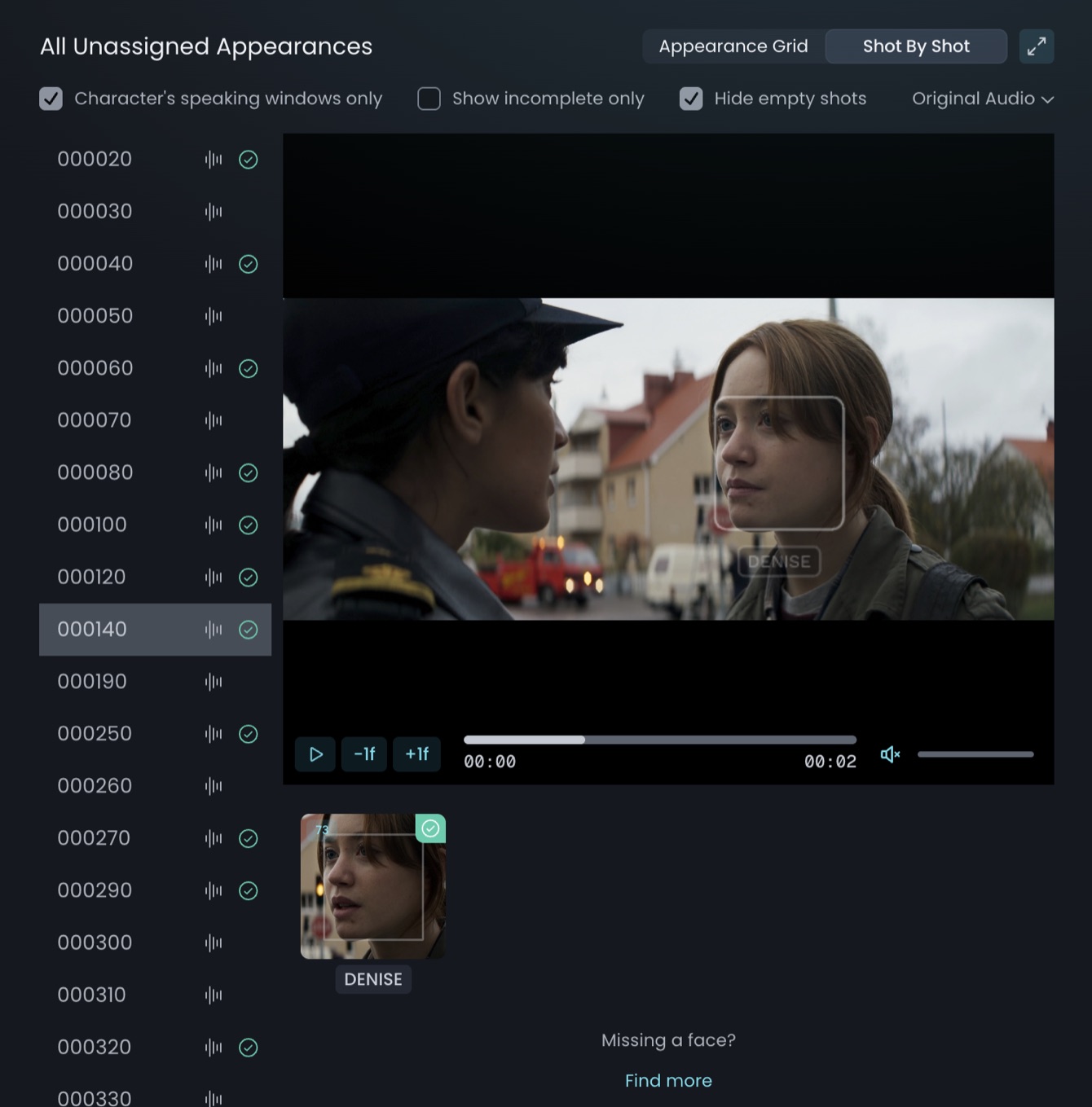
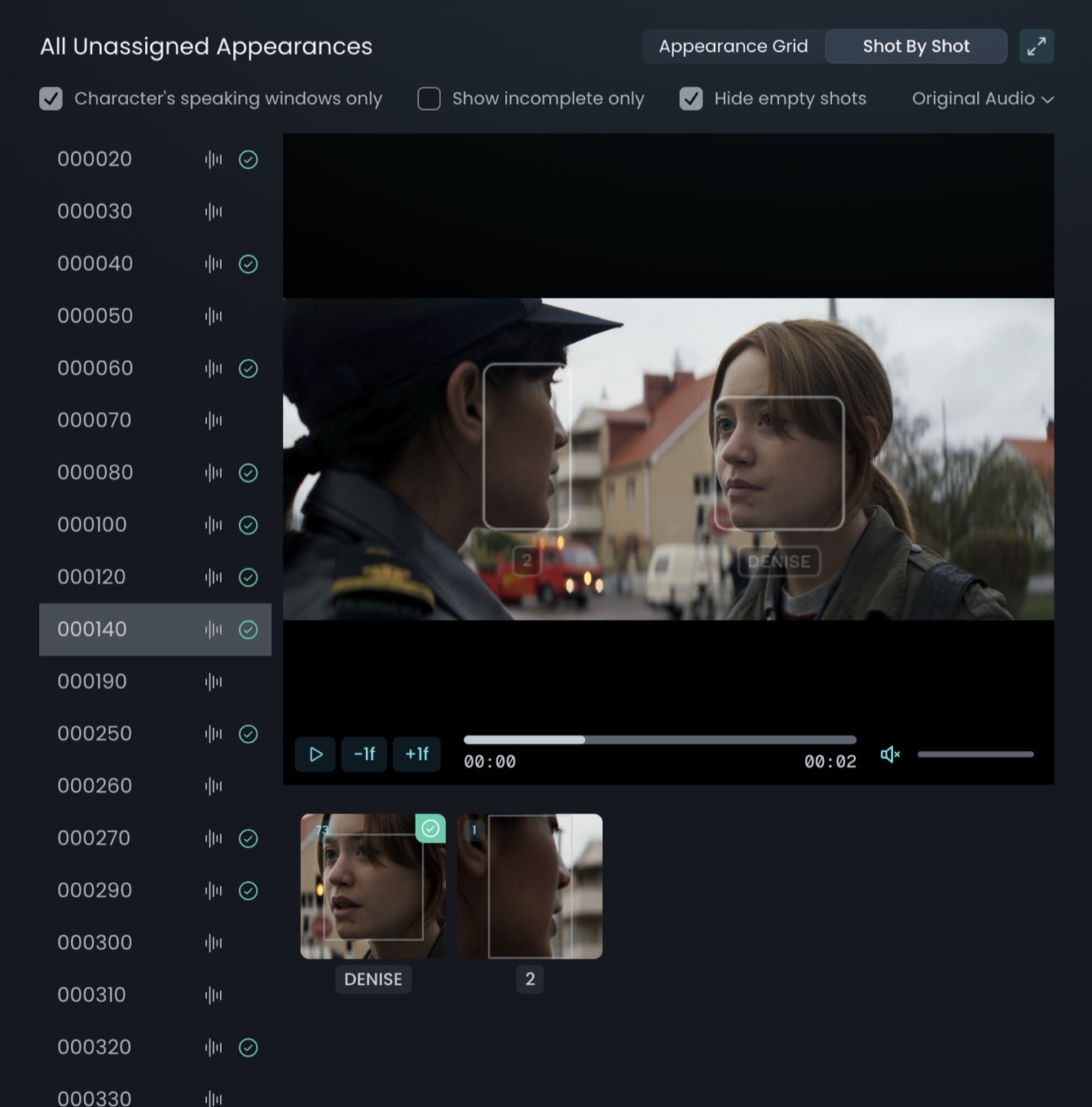
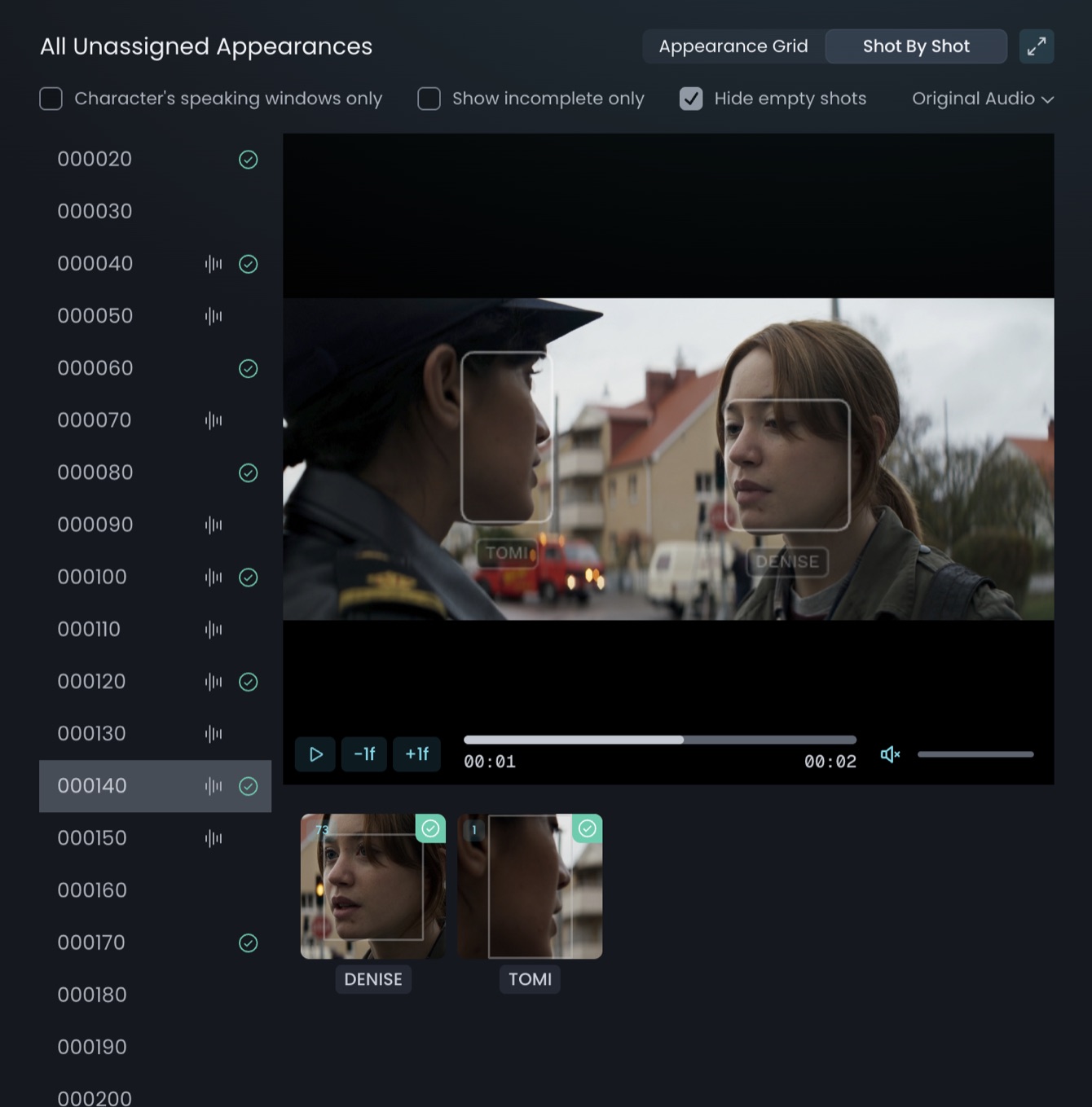
Assigning Appearances
Assign detected appearances to characters, then review and fix them.
Once characters exist, assign the appearances to the relevant character. When one face is connected to a character, all other clustered appearances for that character are added automatically, so you only do this once per character.
NOTE
Where possible, we recommend assigning the audio stem first: once the audio has been assigned & processed, TrueSync filters through the characters, detects the most likely match, and displays the thumbnail.
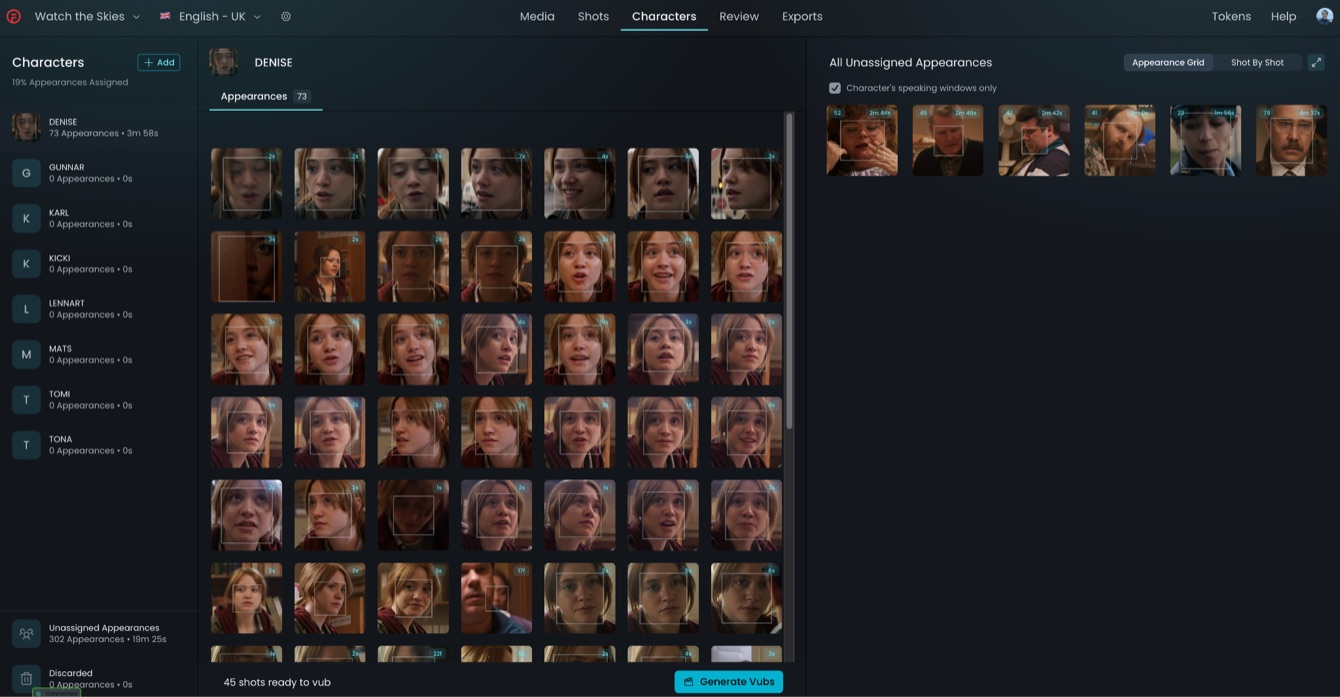
The window displays three panels:
LEFT - Character library: the list of all characters in the project.
MIDDLE - Character-specific: as you select a character and assign appearances, thumbnails populate here.
RIGHT - All Unassigned Appearances: detected, clustered faces not yet assigned. Each thumbnail shows the total number of shots and total duration identified.
Reassigning & Discarding Appearances
If an appearance is misidentified, reassign it to a different character or back to the Unassigned bin using the icon at the lower-right of the thumbnail. You can also Discard an appearance; this can be restored and reassigned at any time.
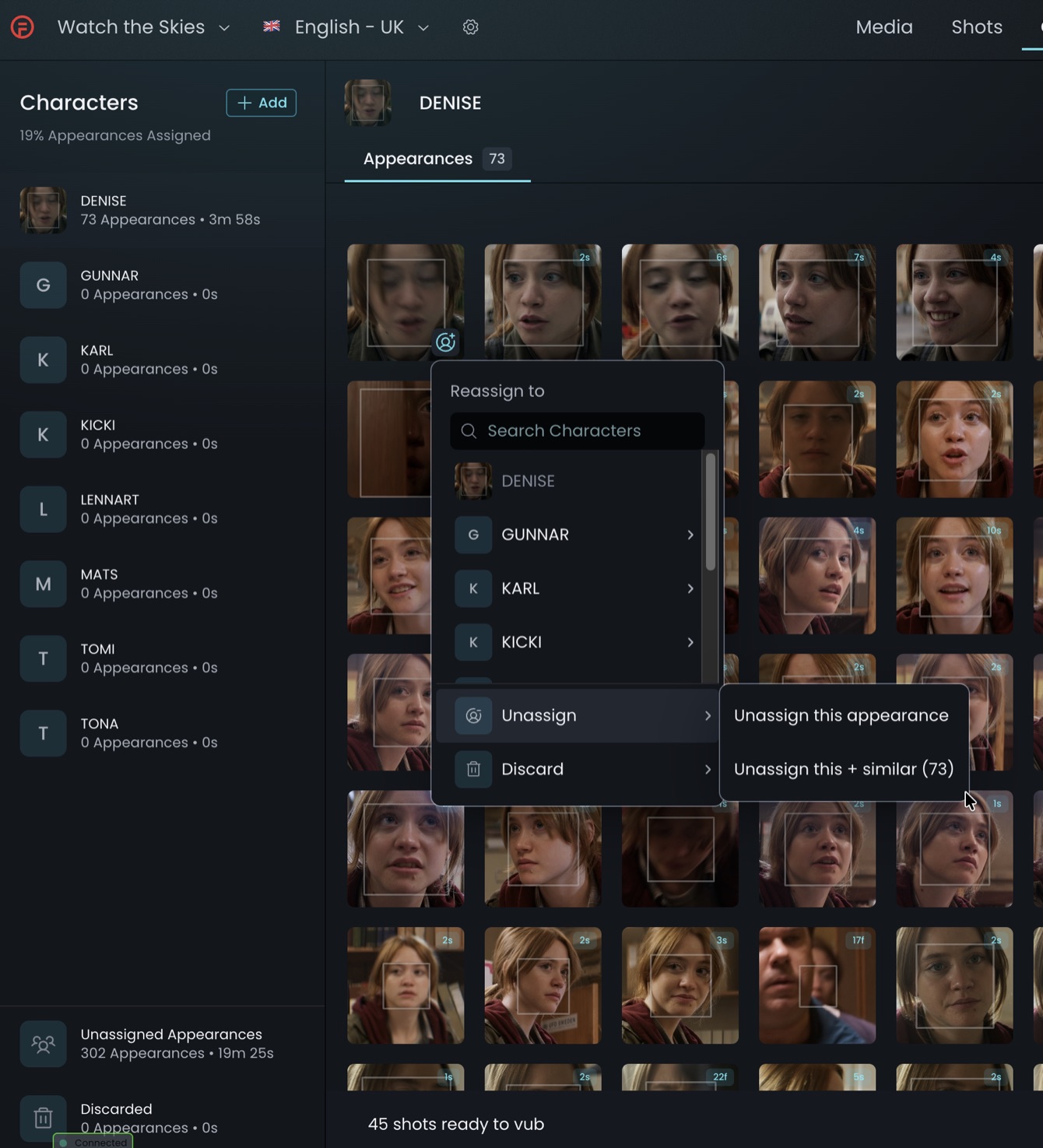
Reviewing shot appearances
Review all appearances for every identified character
For each character
For any faces that are not that character, reassign them to the correct character or to Unassigned Appearances.
Unassigned appearances
Reassign desired faces to the correct character; add a character if one isn't listed; discard undesired or non-face appearances.
The objective: ensure that all instances of the character you wish to vub are identified as the same character.
Troubleshooting
When reviewing character assignments, TrueSync highlights any appearance issues detected. Hover over the status for more information to help resolve the issue. For an Overlapping Appearances issue, select View Characters to jump to the Characters panel, or Manage Appearances to open an isolated view of the shot where you can play through and review the conflict in finer detail.
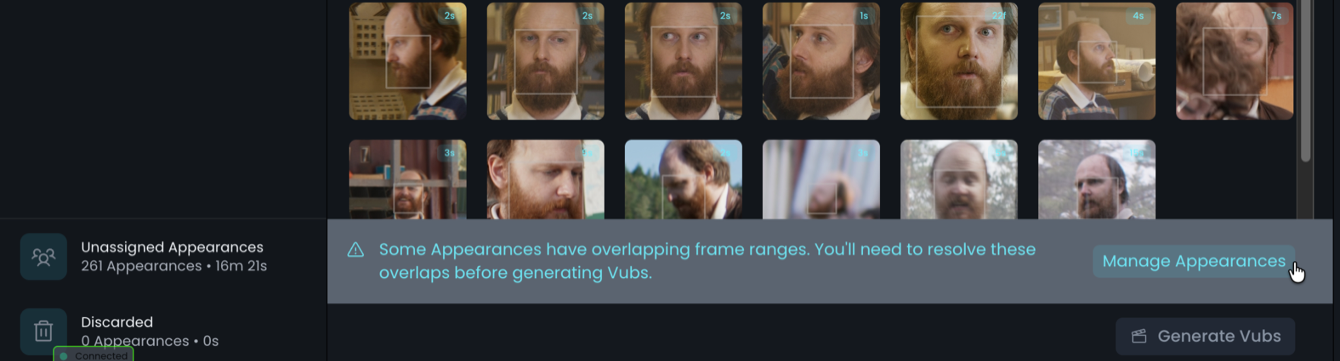
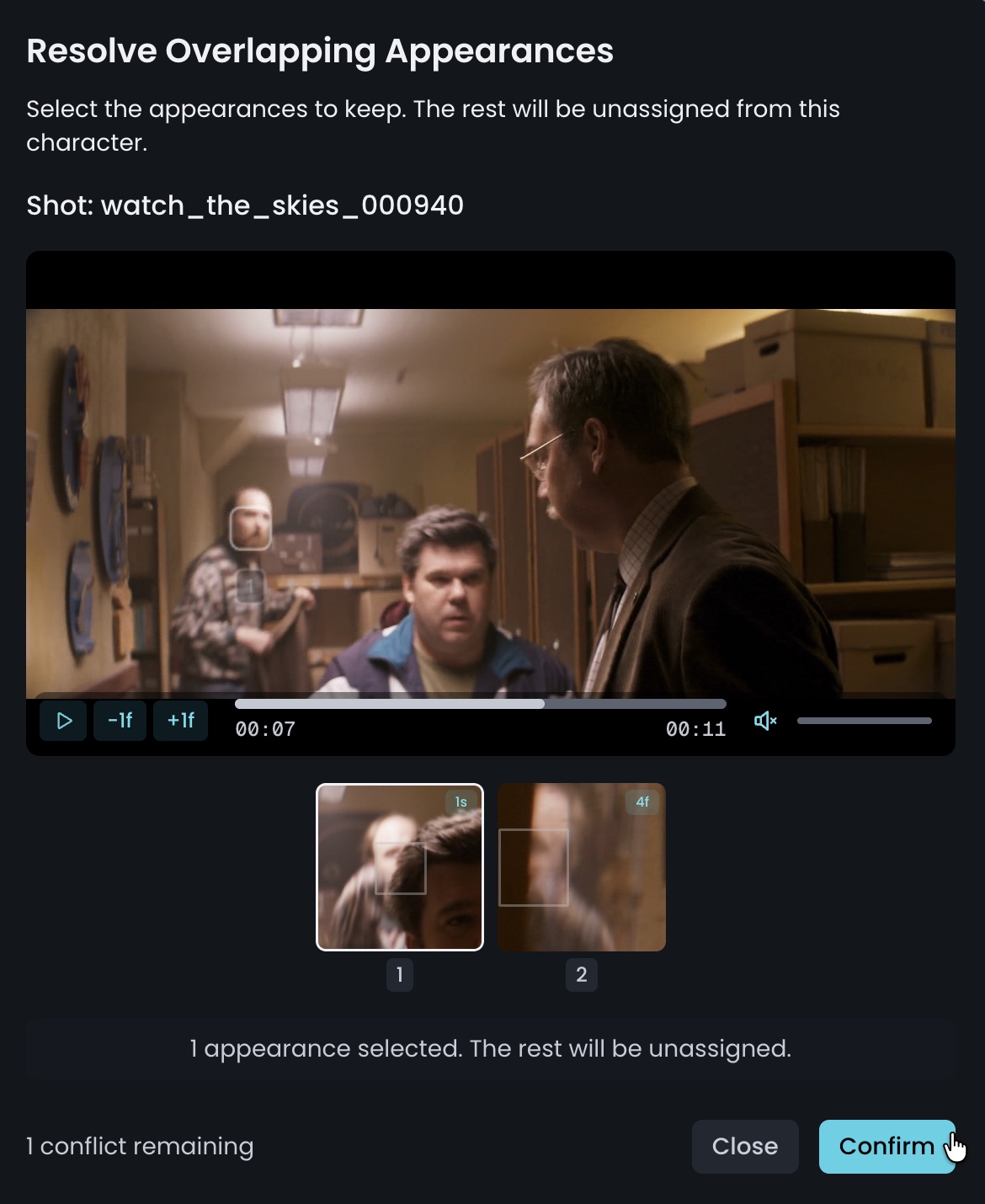
Adding an appearance
If an appearance that requires vubbing wasn't detected, use Find More. Additional faces are then detected and you can assign them accordingly.