Exports & Downloads
Export shots or a conform, choose the export format and download it.
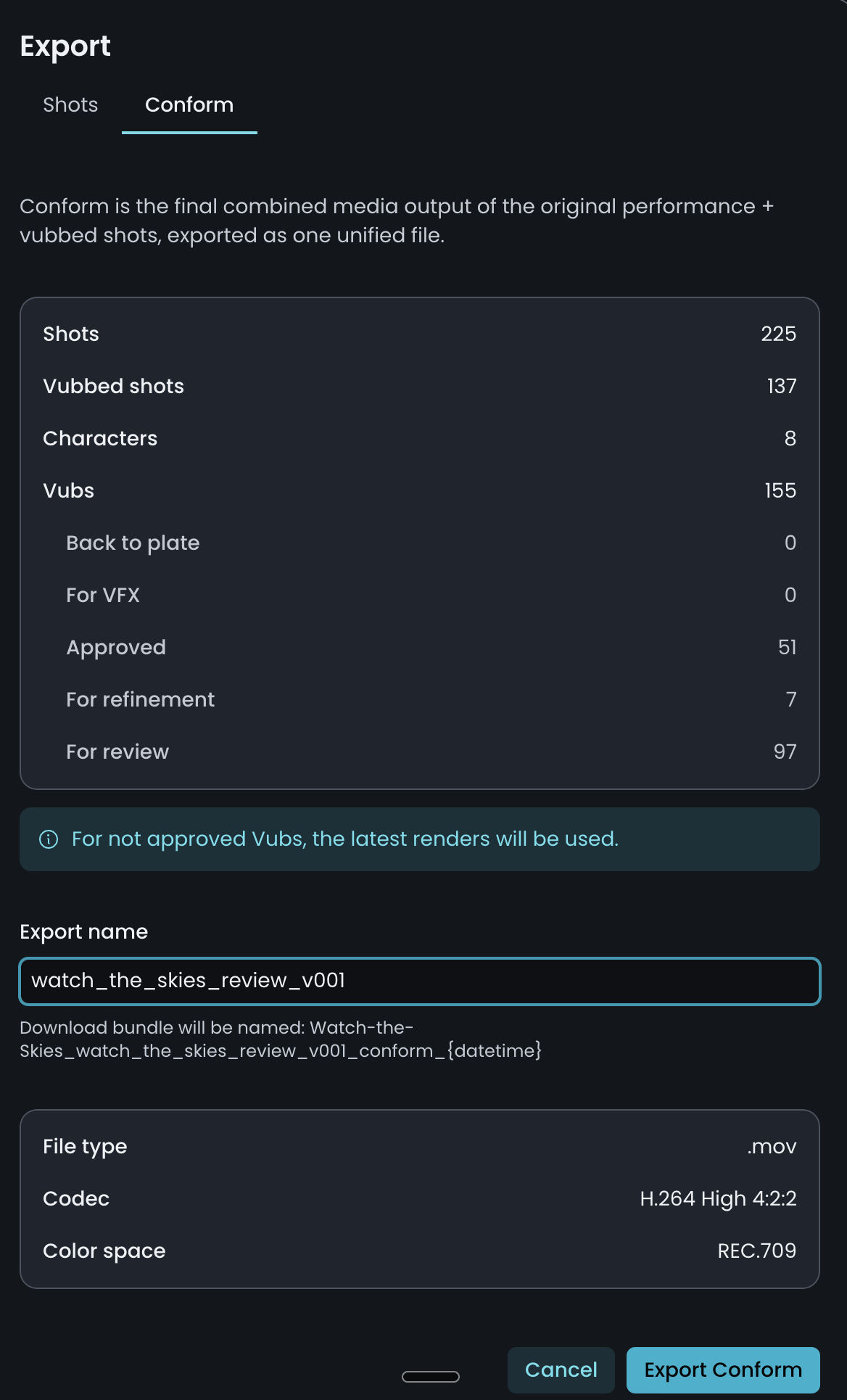
You can export and download either Shots (single or bulk vubs) or a Conform, the combined media output of the original performance and vubbed shots, exported as one unified file.
Exporting
The creation of downloadable output file(s) can be done as either:
- Shot(s) in various codecs and formats, or a
- Conform combining the original performance and any vubbed shots.
Automatic exports
Once your vub is first generated, a shot export is created automatically (accessible on the Exports page). Completed exports can then be used to create a conform, or downloaded individually.
- If your source media was MOV, MXF or MP4 — the export is the same file type and color space as the source.
- If your source media was an EXR image sequence — two exports are generated: an EXR image sequence and a reference MOV (in rec709 color space).
The Vub Export panel
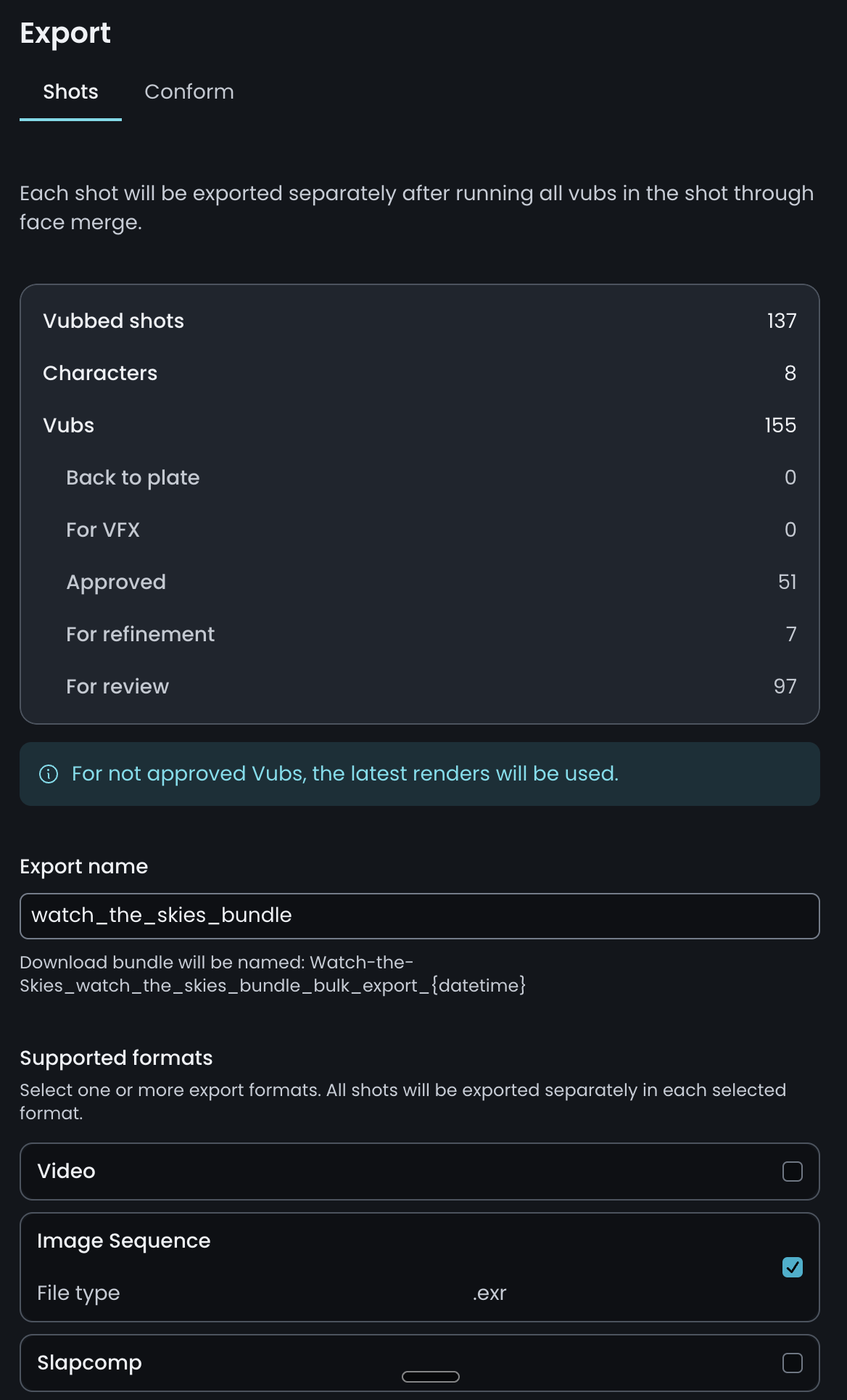
The Export panel displays a summary of the export package contents. Here you can give the package a name and select the export format(s).
Export options
Video
High-quality videos for use in your edit or delivery.
- Resolution up to 8192×8192
- Codec: same as source.
- Color Space: same as source
- Container: MOV, MXF, MP4
Slapcomp
Fast exports with basic compositing for quick lip-sync review.
- Resolution up to 1920×1920
- Codec: h264
- Color Space: rec709
- Container: MP4
Image sequence
High-quality export for delivery.
- Resolution up to 8192×8192
- Color Space & Compression: same as source
- Timecode metadata retained
- Container: EXR
VFX Turnover Package
Provides elements for external VFX cleanup on your vub, if needed.
Creating further exports
After the initial automatic exports, you may want to create more for example after lip-sync refinement, or to export in a different format or as a VFX turnover package. Use one of the following methods:
From the Shots page: select the shot(s) you wish to export, then choose Export Shots. For convenience, you can also bulk-export the latest render of all shots using Export Latest.
From the Refinement tool: make sure your latest vub is rendered and approved, select Export Latest Render to open the Vub Export panel, enter your settings, and click Create Export. Your refined vub is then available for download from the Exports tab.