Generating Vubs
Generate vubs in bulk from the Shots or Characters panel and monitor progress.
Before creating a vub, ensure you have checked that character detection is correct for your shots, and that the correct audio stem is assigned. Then you're ready to create your vubs.
Vubs are generated per language. With a language selected, generate the vubs for that language's characters, then switch language and repeat. German vubs come from the German stems, Japanese from the Japanese stems.
NOTE — How vubs are created
A vub is always one character in one shot. However vubs can be generated in bulk, from either of the following panels:
- From the Shots panel: generate every vub within a selection of shots in a single action, including shots that contain multiple characters.
- From the Characters panel: generate every vub for a character in a single action, across all the shots they appear in.
Everything you start runs concurrently. There’s no queue, and no waiting for one vub to finish before the next begins.
Where a shot contains more than one character, each character gets its own vub. TrueSync face-merges them into a single export once all are ready.
From the Shots panel
Filter by Vub Status → Ready to Vub. Select all shots or single shots, and filter further across conditions such as character. Click Generate Vubs to open the Bulk vub creation window.
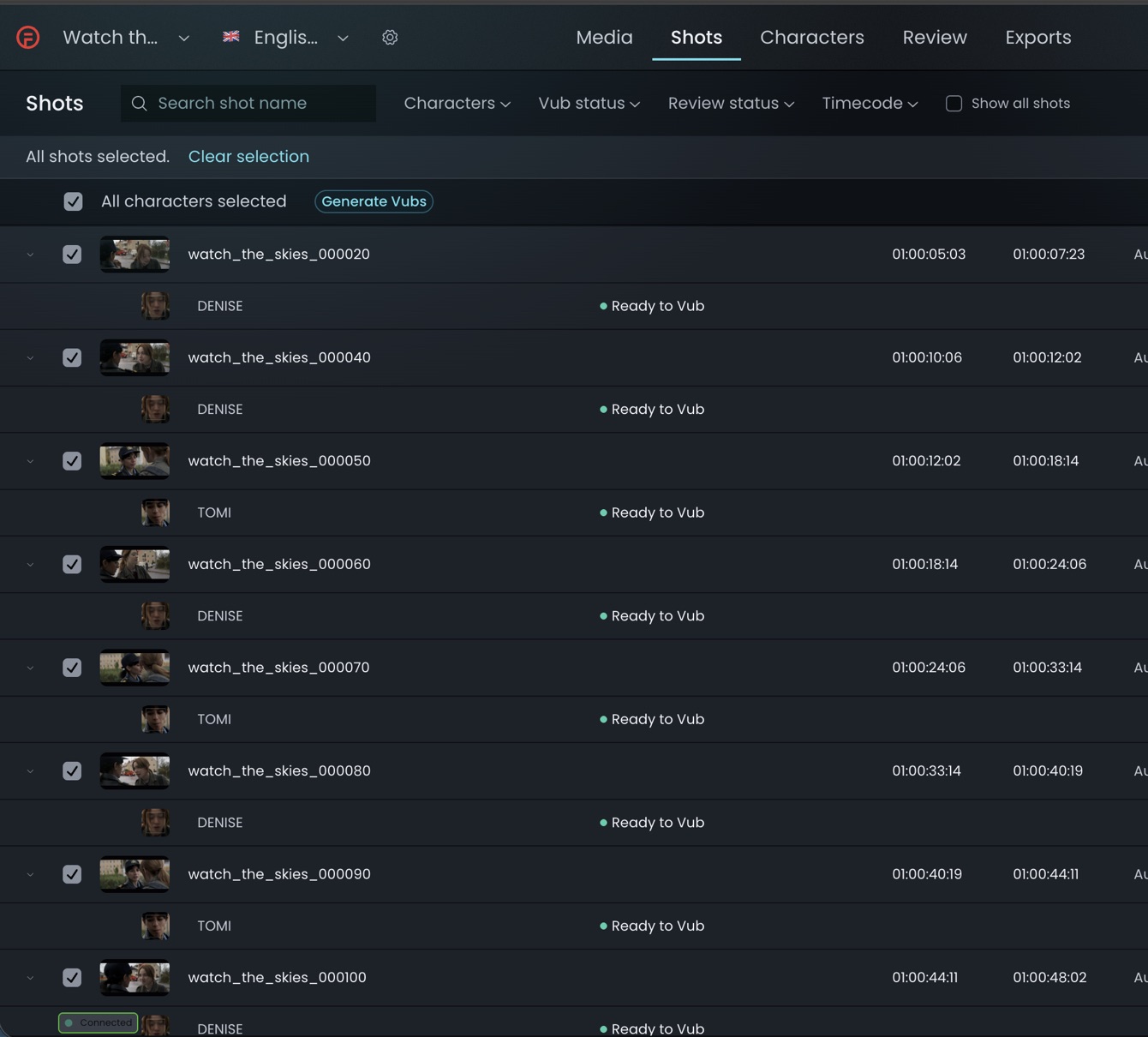
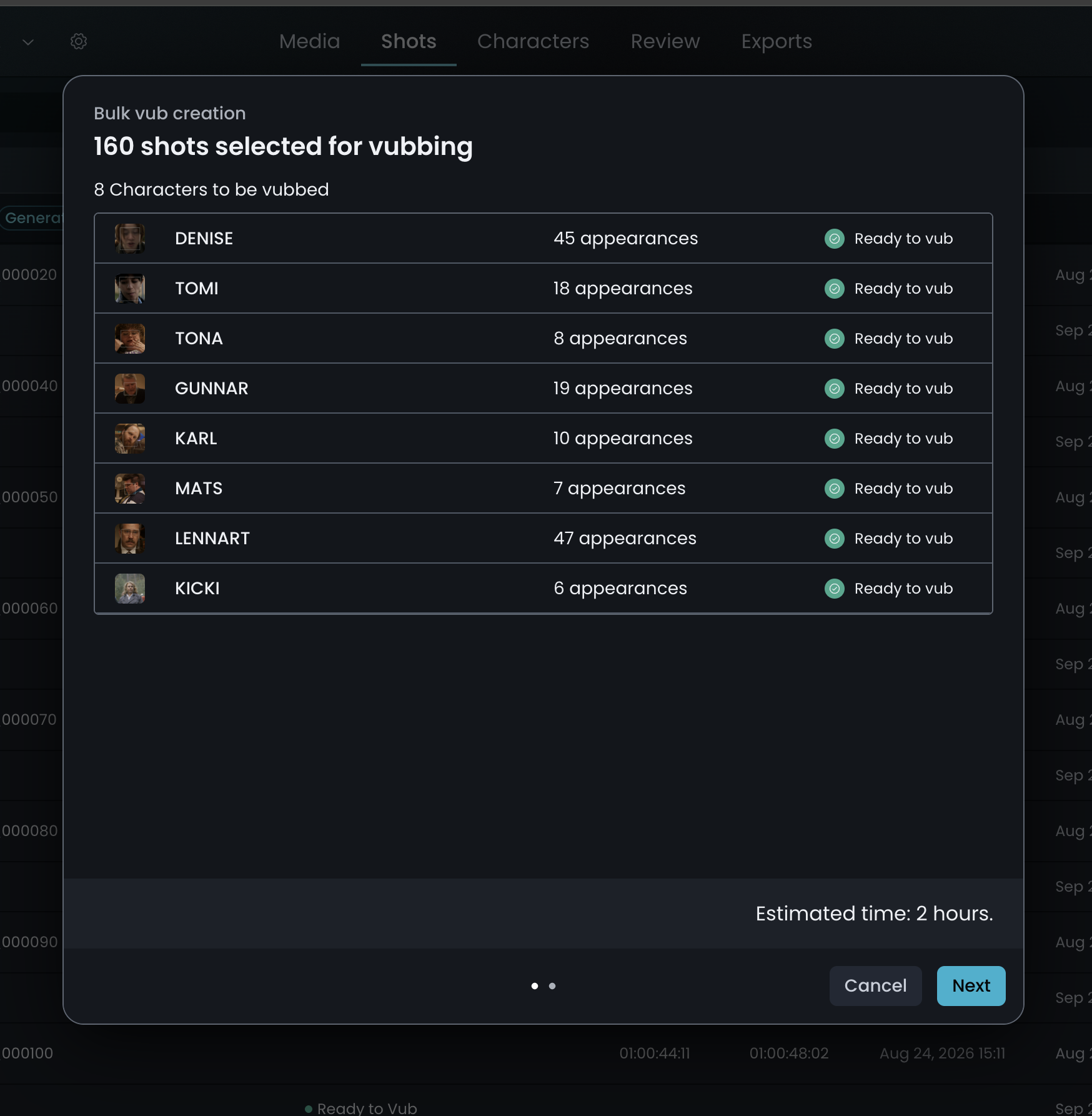
Select Generate Vubs. A notification confirms the process has started. Repeat until vubs are being generated for all characters.
From the Characters panel
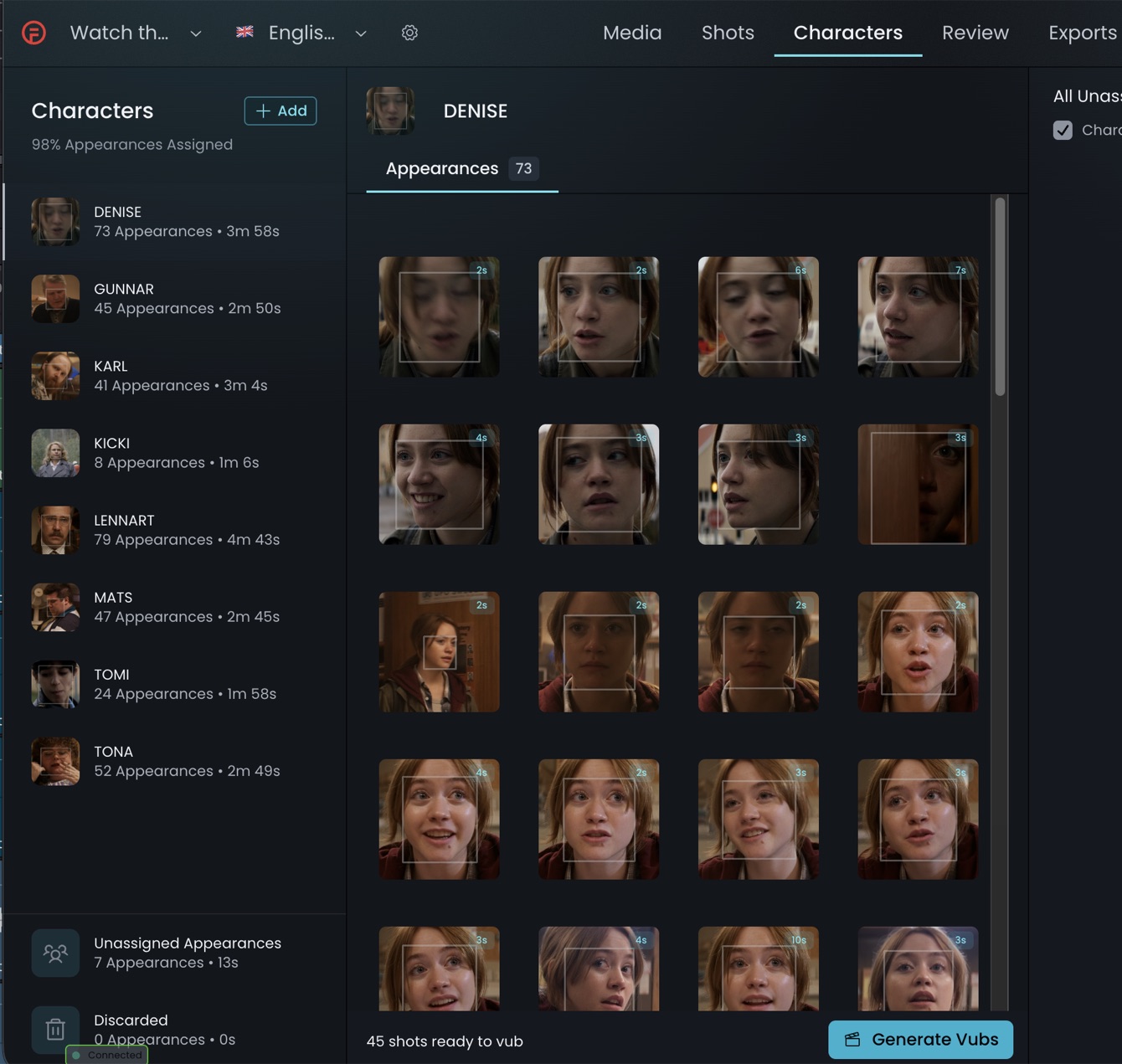
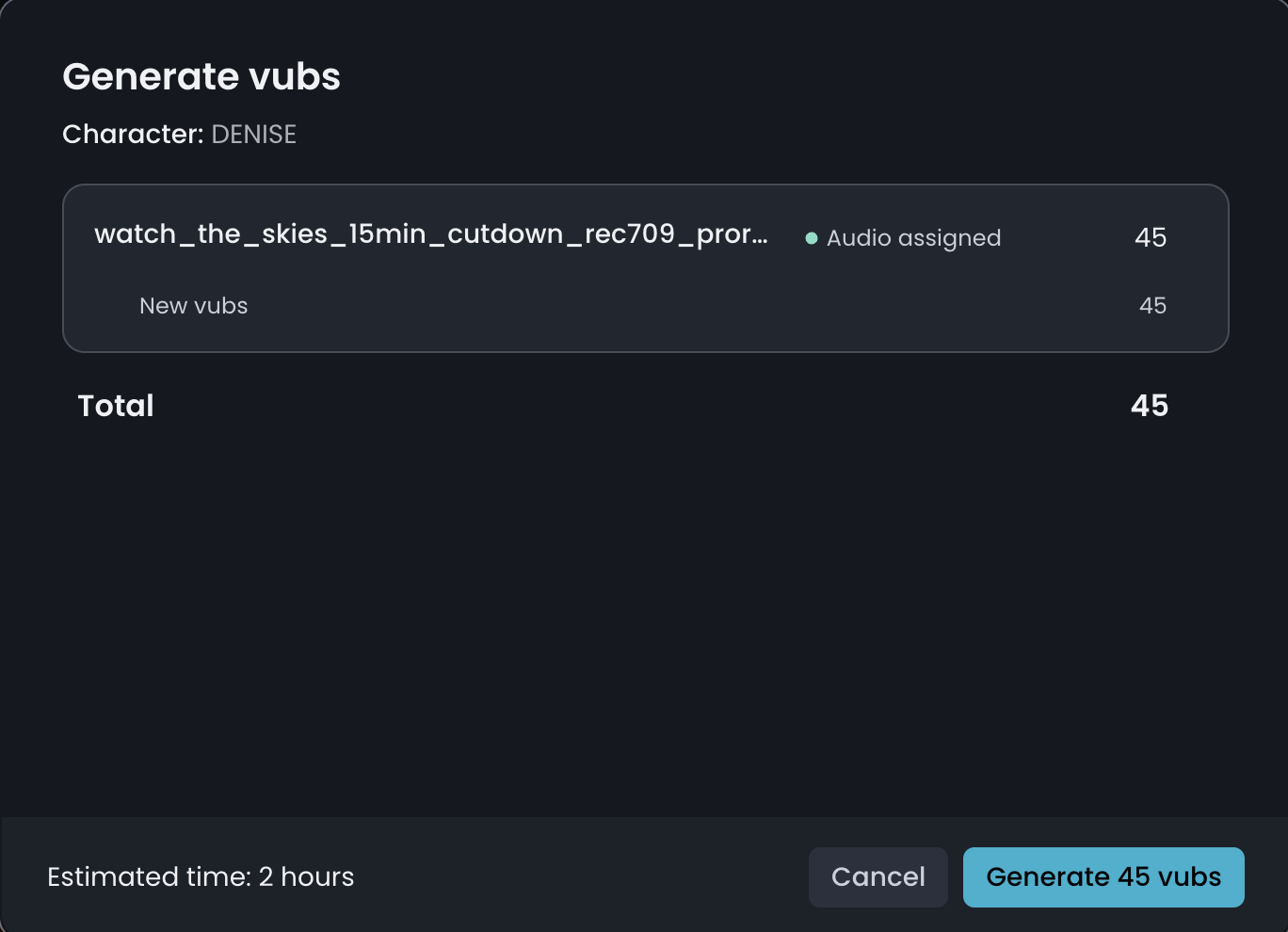
Once the audio is processed for a character, the Generate Vubs option becomes active. Click Generate Vubs to proceed with creating your vubs. As on the Shots panel, you will see all shots available for the character, but the list will default to dialogue-only shots for vubbing.
Monitoring progress
Monitor progress on the Shots panel. The vubbing process can take a few hours depending on the number of vubs being generated.